

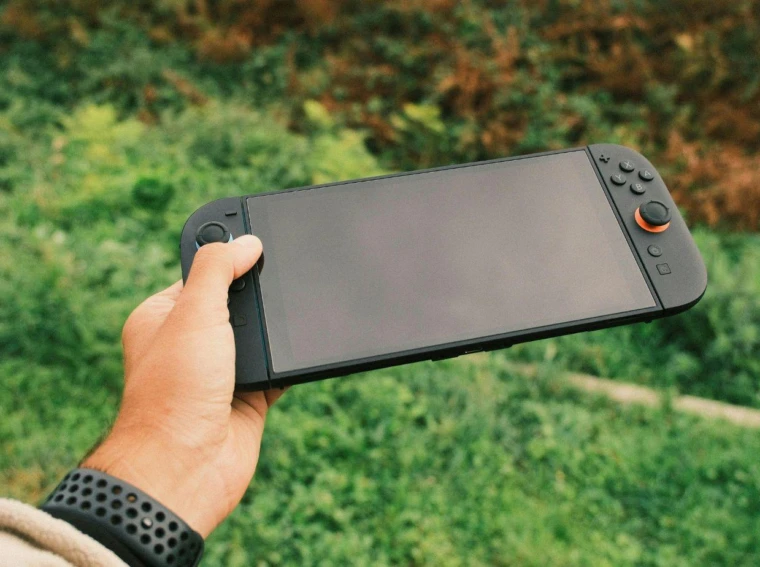
Handheld gaming has grown fast over the past few years. Devices like the Steam Deck, ROG Ally, and Lenovo Legion Go have turned portable PC gaming into a real alternative to desktops and consoles, and more players now expect their favorite titles to run on the go.
Roblox is a natural fit for this trend. The platform already runs on PC, mobile, and Xbox, so taking it portable seems like the obvious next step. The catch is that support varies from one handheld to another, and getting the game running isn’t always as simple as downloading it.
In this article, we’ll explore which handhelds can run Roblox, which experiences play best on these devices, what it takes to get the game working on each one, and how it performs once you’re in.
Can You Play Roblox on Handhelds?
Yes, and how you get there depends on which handheld you own. Roblox now runs across three different setups depending on the device, and the experience isn’t identical on all of them.
The most direct route is through the ROG Xbox Ally and Ally X. Roblox partnered with Xbox for the launch of these devices, and the game is playable natively with controls and performance built specifically for handheld use. This is the first time Roblox has been optimized for a handheld rather than just running through a desktop app.
Other Windows-based handhelds, including the standard ROG Ally, Legion Go, and MSI Claw, can run Roblox too, but through the regular desktop app rather than a dedicated handheld version. It works, though the controller support isn’t as tight, and you may run into occasional stability issues since the app wasn’t built with these screens or inputs in mind.
The Steam Deck is the odd one out. It runs SteamOS, a Linux-based system, and Roblox has no native Linux client. You can still get it running through Sober, a community-made Linux compatibility layer, or by installing Windows on the Steam Deck and running the desktop app that way. Neither is as smooth as the ROG Xbox Ally’s native support, but both are functional if you’re willing to go through the setup.
|
Device |
Roblox Support |
How It Runs |
|
ROG Xbox Ally / Ally X |
Native |
Optimized handheld app |
|
ROG Ally, Legion Go, MSI Claw |
Supported |
Desktop app |
|
Steam Deck |
Unofficial |
Sober or Windows install |
Best Roblox Experiences to Play on Handhelds
Roblox isn’t one game, it’s a platform with millions of user-made experiences, and not all of them translate well to a handheld screen and controller setup. Some genres work far better than others when you’re playing on the go.
Murder Mystery 2 is one of the strongest picks for handheld play. It’s simple to control, runs light on hardware, and the round-based format fits short handheld sessions well. Much of MM2’s staying power comes from its trading economy. MM2 values, tracked by community sources, give players a reason to keep playing years after launch since rare knives and guns carry real worth within the game’s trading scene. That trading layer is a big part of why MM2 has held onto its playerbase for so long.
Other experiences worth trying on a handheld include Adopt Me, Blox Fruits, and Brookhaven, all of which run smoothly on modest hardware and don’t demand precise mouse input to play well.
Can You Play Roblox on Nintendo Switch?
No, Roblox has no official version for Nintendo Switch. There’s no native app, and Nintendo hasn’t announced any plans to bring one to the console.
The main obstacle isn’t really hardware, since the Switch runs plenty of demanding titles already. It comes down to how Nintendo manages its ecosystem. The company keeps tight control over microtransactions and third-party content, and Roblox’s open, user-generated model with its own Robux economy doesn’t fit neatly into that structure. Roblox has also prioritized other platforms recently, including its native handheld launch on the ROG Xbox Ally, which suggests Switch isn’t next in line.
Some DNS workarounds circulate online claiming to unlock Roblox through the Switch’s browser, but these only open a limited web page and don’t let you actually launch or play games. If you want Roblox on the go, your options remain mobile, PC, handhelds, or Xbox, not the Switch.
Final Words
Roblox on handhelds comes down to which device you own. The ROG Xbox Ally and Ally X offer the smoothest experience with native support built for handheld play. Other Windows handhelds like the ROG Ally and Legion Go get there through the desktop app, and the Steam Deck needs a workaround like Sober or a Windows install to run it at all.
If you’re picking an experience to play once you’re set up, MM2 remains one of the best fits for handheld sessions thanks to its simple controls and light performance demands. The Switch is still out of the picture entirely, with no official version and no confirmed plans from Nintendo.