


Portable-gaming channels still live on motion: a new firmware drop, a pocketable RPG, a three-second look at the bezels. Capture-card days still win for actual play. They do not scale when you also need a 20-second store-page explainer, a patch-note walkthrough, and a vertical hook from the same screenshot kit — by Thursday.
AI video generators help when they match the job, not when they promise 120 video types from one login. This list copies the “five finest” shape you already know — intro, why it is recommended, use cases — but it is not another all-in-one bake-off. Five workflows. One model gets a link, because it is the lane that actually eats a page plus a kit.
1. Omni-brief from the page you already wrote
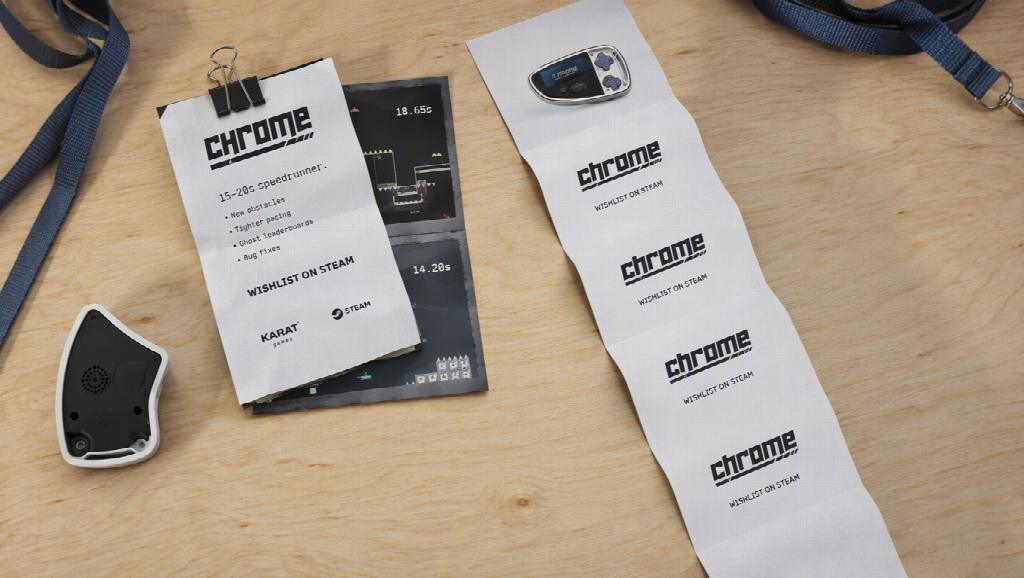
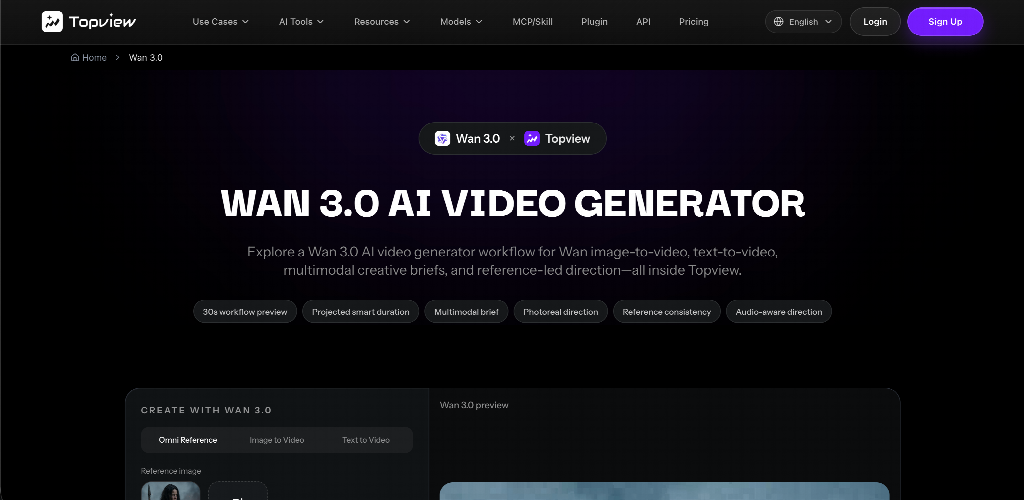 Indie pages, Steam copy, patch notes, a Google Doc of “what’s new on the Deck.” That text is already the script. Re-filming it as a talking head is slow. Pasting it into a vibe prompt is how you get a fantasy castle that is not your game.
Wan 3.0 is Topview’s omni-reference workflow for briefs heavier than a single still: images, clips, audio, and structured context from a document or webpage folded into one direction. For a handheld creator that maps to “this store page, in motion” — UI hierarchy, three features, a hold for the wishlist button. Treat extra context types and duration as workflow guidance and confirm them in the live generator. Alibaba’s public catalog may not yet list Wan 3.0 as an official spec sheet; do not write native 4K or open weights into a brief the panel does not show.
Wan 3.0 is a model lane, not a capture app and not a rival to a timeline suite.
Why it’s recommended
The bottleneck for a lot of game posts is not “make it cinematic.” It is keep the chrome honest while the copy you already published becomes a clip. Omni-reference is the honest name for that.
Best use cases
- Patch-note explainers from a blog or changelog
- Wishlist / launch beats from screenshots + store copy
- “What’s in this update” for a handheld firmware page
- Pitch-deck slides turned into a 20-second publisher teaser
2. Screenshot kit as identity lock (image-to-video, one SKU)
You already photographed the device in your hands. That still is the product. Image-to-video should animate that shell, not invent a thinner bezel.
Write seconds: 0–5s device wide, 5–15s screen readable, 15–25s hold. Two conflicting photos (old firmware UI vs new) are an argument. Review the logo at second twelve before you post.
Why it’s recommended
Handheld audiences notice hardware. A prettier clip that mutates the unit is a trust tax.
Best use cases
- Unboxing-adjacent motion without a second studio day
- Comparison stills that need a slow push, not a new render
- Accessories (grip, case) that must stay the SKU you sell
 3. Photoreal B-roll around the session (short motion models)
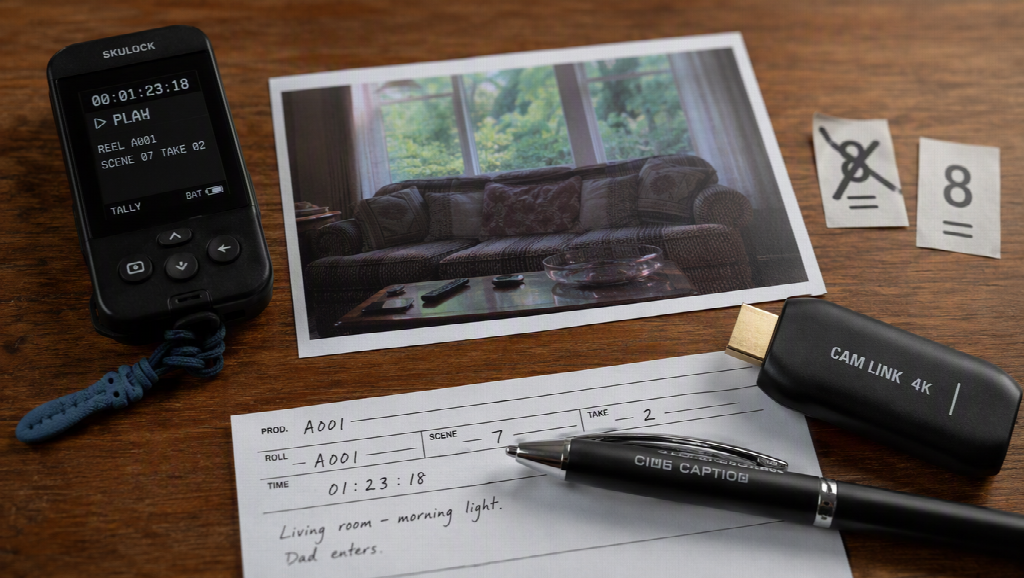
Kling-class tools still win five-to-eight seconds of “this looks like a commercial insert”: couch, window, handheld in frame, no UI required. Use them around the game, not as a fake trailer of a title you do not own.
Why it’s recommended
Play footage stays play footage. Atmosphere is second unit.
Best use cases
- Cold opens before a capture-card segment
- Lifestyle wraps for a review
- Travel / cafe handheld vlogs that never claim to be the game’s cinematic
Stay original-inspired. Do not prompt a protected mascot so you can monetize the clip.
4. Midnight vertical tests (fast clip generators)
Pika-class speed is for “does this hook even work?” Tempo-adjacent motion, not a 30-second identity engine. Generate two 8-second tests. Kill the ugly one. Do not stitch twelve orphans and call it a video essay.
Why it’s recommended
Handheld Twitter and Shorts punish hesitation more than they punish a slightly stylized loop.
Best use cases
- Thumbnail-adjacent motion tests
- Emoji / meme formats around a real screenshot
- Checking 9:16 crop before you spend a longer generate
5. Finish on a timeline (suite or CapCut)
Generation is not publishing. Captions you wrote, audio you own, the real gameplay in the middle. Runway-class suites help if you already cut there. CapCut (or any editor you open daily) is the unglamorous fifth workflow and the one that makes the other four shippable.
Why it’s recommended
A store-page explainer that autoplays muted without captions is decoration. A review that never returns to captured play looks like a trailer for a game that does not exist.
Best use cases
- Mixing Wan-style page beats with real captures
- 16:9 YouTube vs 9:16 Shorts from the same kit
- Lower thirds, chapter cards, export without a surprise watermark
 Conclusion
The finest AI video setup for a portable-gaming desk in 2026 is not the homepage with the longest model list. It is a stack: page-and-kit briefs on an omni-reference lane such as Wan 3.0, screenshot-locked motion for the hardware, short photoreal inserts, fast tests, then a real cut against gameplay.
Pollo-style all-in-one hubs still exist if you want one login for many engines. This article is for creators who already have a page, a photo of the handheld, and a Thursday deadline. Match the workflow to the file. Keep the bezels honest.